
If you are a mobile technician or you repair Samsung and other Android phones, then TFT Unlock Tool is a useful software for you. This tool helps in flashing, unlocking, FRP bypass, and system repair of many Android devices.
The latest TFT Unlock Tool update 2026 comes with better stability and improved device support. Many users also search for TFT unlock tool update 2025 and older builds, but the newest version works better with recent security patches.
You can install this tool on your Windows PC and start repairing supported devices easily.
You Can Also Try: Unlock Tool
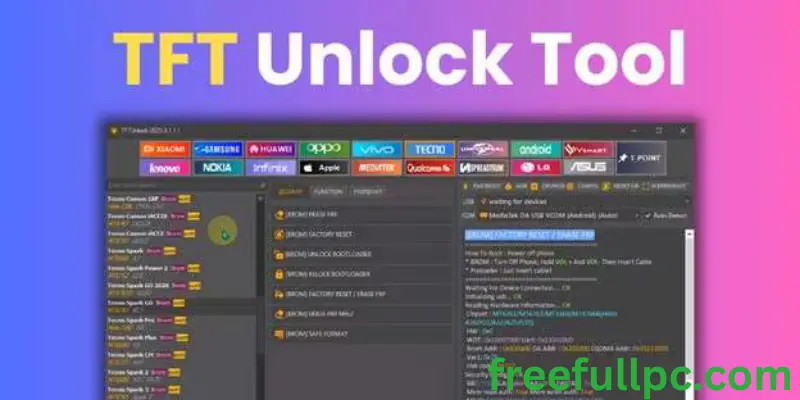
What is TFT Unlock Tool?
TFT Unlock Tool is a Windows based mobile servicing software. It allows users to repair Android OS issues, remove FRP locks, unlock certain device functions, and flash firmware.
It is commonly used for brands like:
- Samsung Galaxy
- Oppo
- Vivo
- Realme
- Tecno
- Infinix
Many technicians also refer to it as TFT Unlocker Tool because of its unlocking features.
Unlock Tool 2026 File Information
- File Name: TFT Unlock Tool 2026
- Version: v6.2.1
- Size: 310 MB
- Platform: Windows
- License: Free with limited features
Some users specifically search for:
- TFT unlock tool v6.2.1.1 free download
- TFT unlock tool latest version 2026
- TFT unlock tool 2025
Always download the version that matches your system and device compatibility.
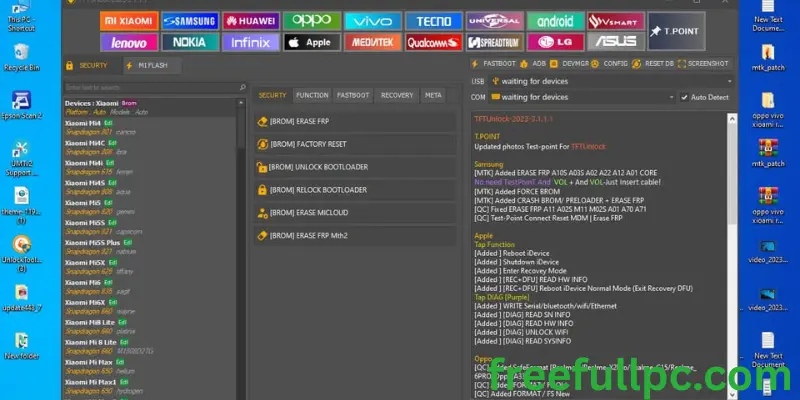
Key Features of TFT Unlock Tool
Here are the main features of this unlocking software:
✔ FRP Remove for supported Android devices
✔ Flash firmware on supported models
✔ Unlock certain device security functions
✔ Factory reset via tool
✔ Support for multiple Android brands
✔ Simple and clean interface
Older versions like TFT Tool v4.6.4 and TFT Unlocker Tool v2 are still searched by users, but the newer build offers improved stability.
FRP Bypass with TFT Unlock Tool
Download TFT unlocker tool can help remove FRP lock on supported Android devices. The general process includes:
- Connect device to PC using USB cable
- Boot into required service mode (EDL or boot key if supported)
- Select model inside the tool
- Click FRP Remove
Make sure you only perform unlocking on devices you legally own or have permission to service.
System Requirements
To run Latest TFT tool setup smoothly, your system should have:
- Windows 7, 8, 10, or 11
- At least 4GB RAM
- 1GB free disk space
- Working USB port
Mac and Linux users may need an emulator to run the software.
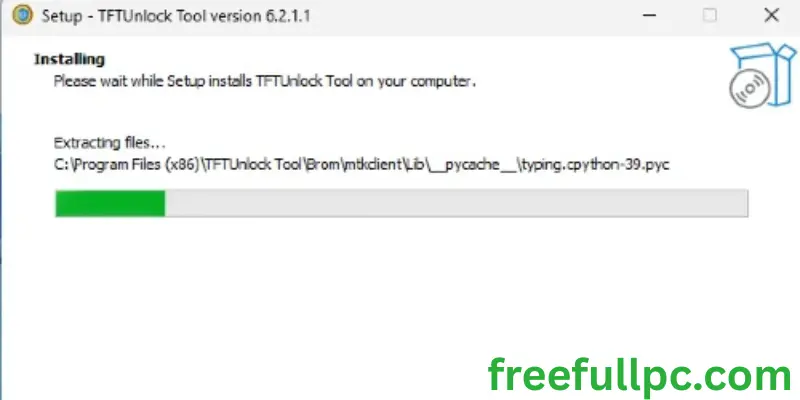
How to Install TFT Unlock Tool
Follow these steps to install:
- Download the setup file
- Double click the setup file
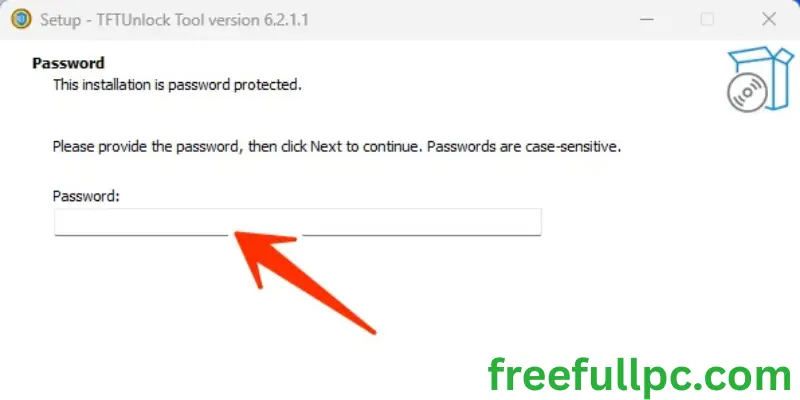
- Enter password if required (example: 123)
- Click Next
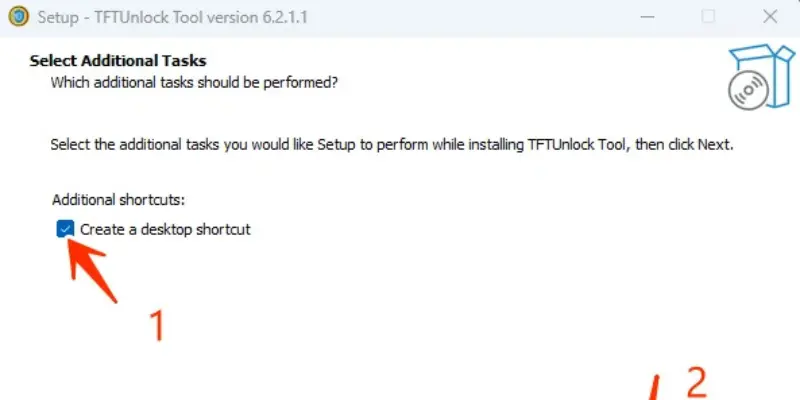
- Tick Create Desktop Shortcut
- Complete installation
After installation, run the tool as Administrator for better performance.
If you face VPN error, use the built in VPN option inside the software.
Different Versions of TFT Tool
Users often look for different builds like:
- TFT Unlock Tool v6.2.1.1
- TFT Unlock Tool update 2025
- TFT Unlock Tool update 2026
- TFT Unlocker Tool 6.2.1.1
- TFT Tool v4.6.4
Each version may have different device compatibility. Always check changelog before using older versions.
FAQ’s (Recently Asked Questions)
Is TFT Unlock Tool Free?
The tool offers limited free features. Some advanced functions may require activation or paid access depending on version.
Does TFT Tool Support iOS?
No. TFT Unlock Tool is designed for Android devices only.
Final Words
TFT Unlock Tool is widely used in the Android servicing community. With proper setup and compatible drivers, it can assist in firmware repair, FRP removal, and device servicing tasks.
If you are searching for TFT unlock tool download, make sure you get the correct version for your system. The TFT unlock tool latest version 2026 is recommended for better stability and updated device support.