
Phoenix Service Tool V7.0.5 is a Windows flashing tool that was mainly used for Nokia phones. Technicians used it to install firmware, fix software errors, and recover dead devices. Even today, many users search for this tool when they need to repair older Nokia phones.
If you are also using other GSM tools, you can check our detailed guide on TFT Unlock Tool latest version 2026
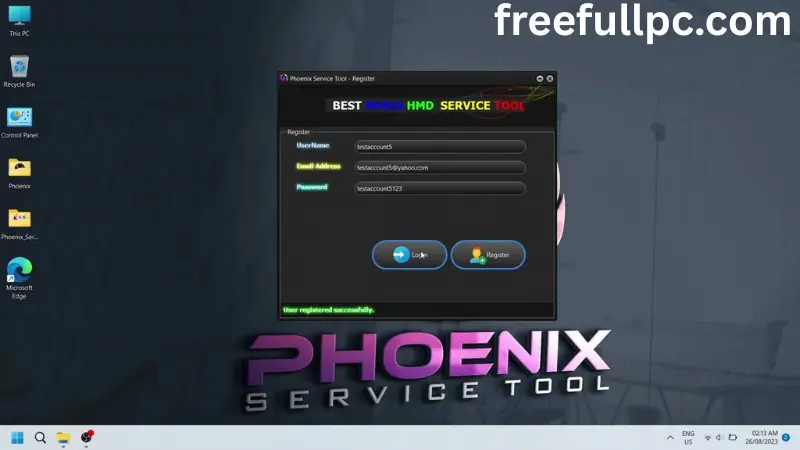
What Is Phoenix Service V7.0.5 Tool?
Phoenix was an official service level tool used in Nokia service centers. It allowed technicians to manage and repair phone software.
Its main functions included:
• Flashing firmware
• Updating phone software
• Reviving dead phones
• Changing product codes
• Performing factory reset
It was designed for older Nokia Symbian and feature phones.
It does not support modern Android Nokia devices.
Key Features
Phoenix Service Software offers:
• Firmware flashing through USB
• Dead phone recovery mode
• Software upgrade and downgrade
• Product code change
• Refurbish option for clean software install
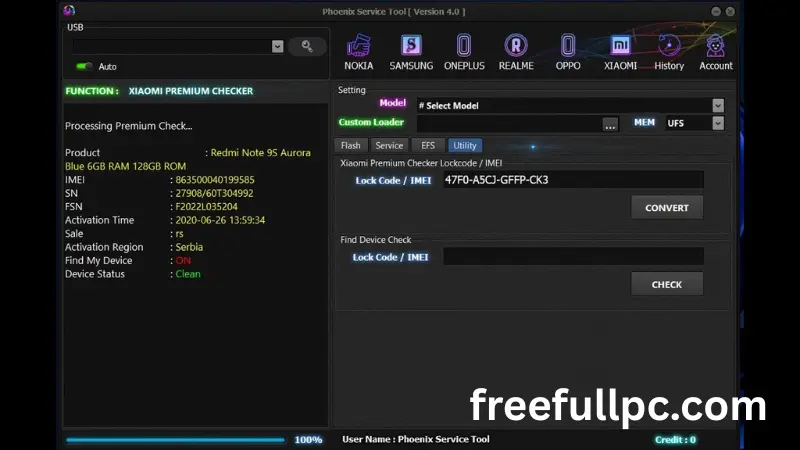
The interface looks old, but it gives full control over supported devices.
Supported Devices
Phoenix mainly supports:
• Nokia Symbian smartphones
• Older Nokia feature phones
• BB5 platform devices
It was never built for Android based Nokia phones.
System Requirements
To run Phoenix properly, you need:
• Windows XP or Windows 7 for best results
• At least 2 GB RAM
• Nokia USB drivers installed
• Correct firmware files for your phone model
Some users report errors on Windows 10 or Windows 11.
How to Use Phoenix Service Software
Here is a basic overview of the process:
- Install Nokia USB drivers on your PC.
- Install Phoenix Service Software.
- Copy the correct firmware files into the firmware folder.
- Open the software and click Open Product.
- Select your phone model.
- Go to the flashing section.
- Choose Refurbish or Update Software.
- Connect the phone using a USB cable.
- Start the flashing process.
If you are also working with other unlocking utilities, you may check Unlock Tool full version 2026

Pros and Cons
Pros
• Works well for old Nokia devices
• Supports dead phone recovery
• Gives service level control
Cons
• Not useful for modern smartphones
• Interface feels outdated
• Beginners may find it confusing
• Using the wrong firmware can damage the phone
What is Phoenix Service Tool Safe?
- It is safe when used correctly on devices you legally own or are authorized to repair.
- Always use the correct firmware for your exact model.
- Make sure you understand the flashing steps before starting.
- Flashing carries risk, especially if done incorrectly.
Conclusion
Phoenix Service Software was a powerful tool in its time. It helped technicians flash firmware, recover dead phones, and fix software problems on older Nokia devices.
Today, it is mostly useful for legacy Nokia phones. It does not support modern Android models. If you work with older Symbian or feature phones, this tool can still help. If you repair newer smartphones, you will need different tools.
Before using Phoenix, make sure you understand the flashing process. Use the correct firmware for your model. Flashing always carries some risk.
For old Nokia repairs, Phoenix still has value. For modern devices, it is outdated.
Personal Experience
In my experience, Phoenix works well when used correctly. I have seen it successfully recover phones that would not turn on after a failed update.
The tool gives you control, but it expects you to know what you are doing. If you select the wrong firmware, you can create bigger problems. So it is not beginner friendly.
The interface feels old, and setup can take time, especially on newer versions of Windows. But once everything is configured properly, the flashing process is stable.
If you are repairing older Nokia phones, Phoenix can still do the job. Just take your time and follow the correct steps.